Instagram Story safe zone checker
The Instagram Story safe zone for ads: keep the top 14% (about 270 px of a 1080 x 1920 Story), the bottom 35% (about 670 px) and 6% on each side (about 65 px) free of text and logos. That is Meta's guidance for Story ads, checked October 13, 2026 - drop your 9:16 here to check it, or download the overlays for your design tool. Free, no signup, nothing leaves your browser.
Updated
Preview JPG, PNG or WebP here; upload JPG or PNG to Meta. You get the shaded UI zones over your creative plus a ratio and resolution verdict against Meta's recommended 1440 x 2560 px.
Download the overlays
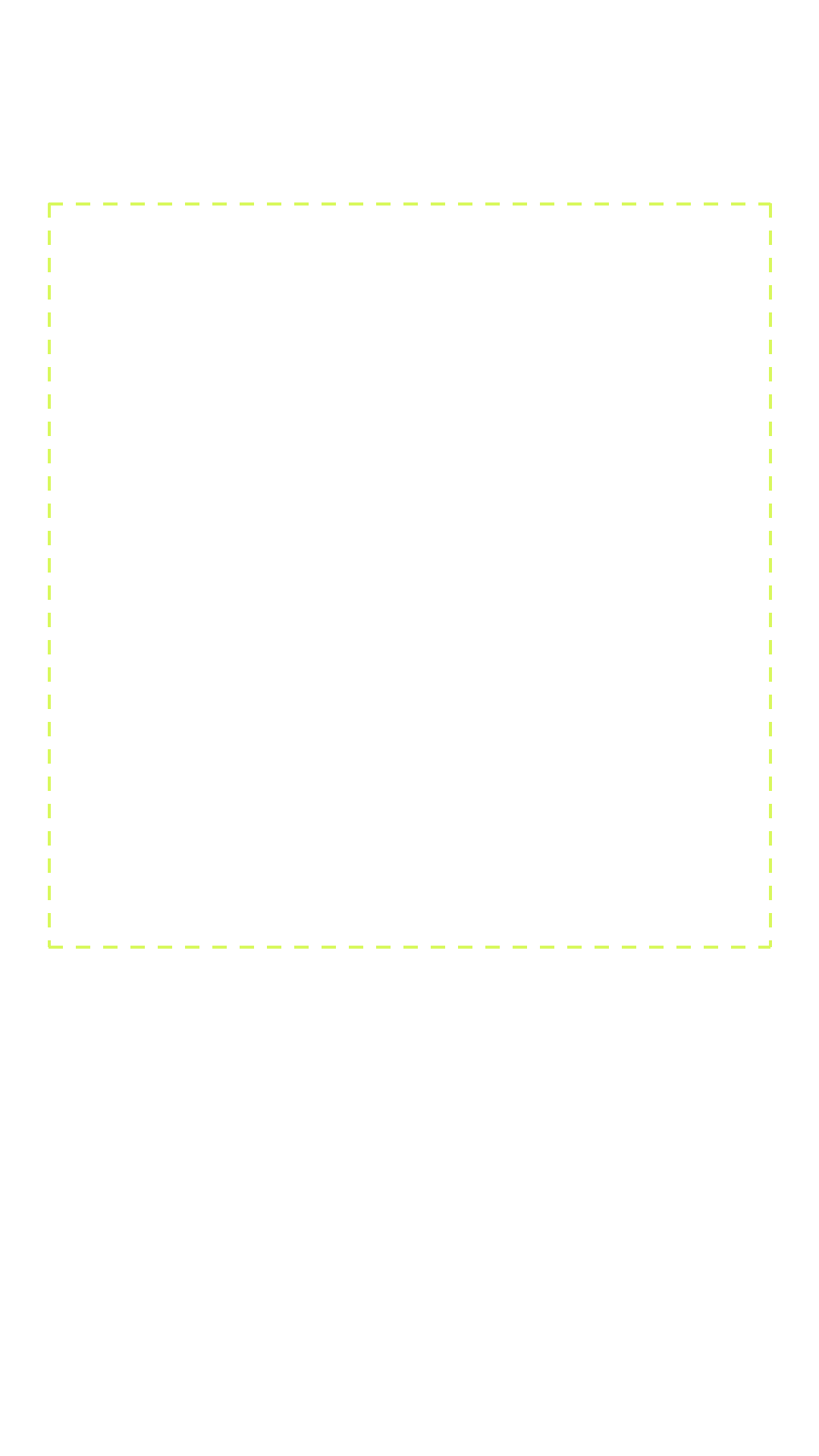
Transparent 1080 x 1920 PNGs - drop one as a top layer in Figma, Canva or Photoshop and design inside the dashed area. Free to use, no attribution needed.
Shaded overlay
UI zones shaded red with the safe area outlined - the same view the checker draws.

Guides only
Just the dashed safe-area outline on a transparent canvas - the quiet version for working over your design.
Zone figures mirror the Meta ad specs cheat sheet, verified against Meta's Ads Guide. More free tools: ad mockup generator, character counter, full preflight check. Figma, Canva and Photoshop are trademarks of their owners; TheAdHook is not affiliated with them. Want the ads themselves? The AI Facebook ad generator writes and renders them from a product URL - see pricing.
5 free ads on signup - no card.
4:5 and 1:1 safe zones: what actually applies
A search for a "4:5 safe zone" or a "1:1 safe zone" usually expects the same percentages as Stories. There are none. Meta only draws UI over the creative in the full-screen 9:16 placements; in Feed the profile row and your copy sit above and below the image, not over it.
4:5 safe zone
No UI clearance is needed. What bites instead is reuse: the same creative gets served in placements at other ratios, so keeping the product, the logo and any text away from the outer edges is what survives the crop.
1:1 safe zone
The same rule, plus size. 1:1 runs in the right column and in Marketplace, where the image renders small. Text that reads cleanly at 1080 px is unreadable there, so keep on-image text short or leave it off.
Placement ratios and minimum sizes for every format are on the Meta ad specs cheat sheet.
Safe zones, answered
What is the Instagram Story safe zone in 2026?
Keep roughly the top 14%, the bottom 35% and 6% on each side of your 9:16 creative free of text, logos and CTAs. Meta's profile row, captions and call-to-action UI render in those areas and will cover whatever you place there.
Do Reels ads use the same safe zone as Stories?
Instagram Reels use the same 14% / 35% / 6% frame. Meta gives no percentages for Facebook Reels, so the same frame is a safe default.
What size should a Story ad be?
9:16. Meta's minimum is 500 px wide; 1440 x 2560 is recommended. Sharper masters survive Meta's compression better - the checker above verdicts your exact file.
Is there a 4:5 safe zone for Meta Feed ads?
No. Meta publishes no UI clearance for 4:5, because Feed does not draw its interface over the image the way Stories and Reels do. The real constraint is reuse: the same creative is served at other ratios, so keep the product, the logo and any text away from the outer edges.
Is there a 1:1 safe zone for Facebook ads?
Not a UI one, no. The constraint on 1:1 is size: it runs in the right column and in Marketplace, where the image renders small. Text that reads cleanly at 1080 px becomes unreadable there, so keep on-image text short or leave it off entirely.
Can I skip the safe-zone work entirely?
Yes - every Story creative TheAdHook generates is composed with the safe zones respected from the start, so the text and CTA land inside the visible frame. Try it with 5 free ads, no card.