From product URL to a finished Facebook ad.
The whole walkthrough, with real screenshots from a real run - the demo ad you will see below was generated live while writing this page, quality gate and all. Five steps, a few minutes, no design tools.
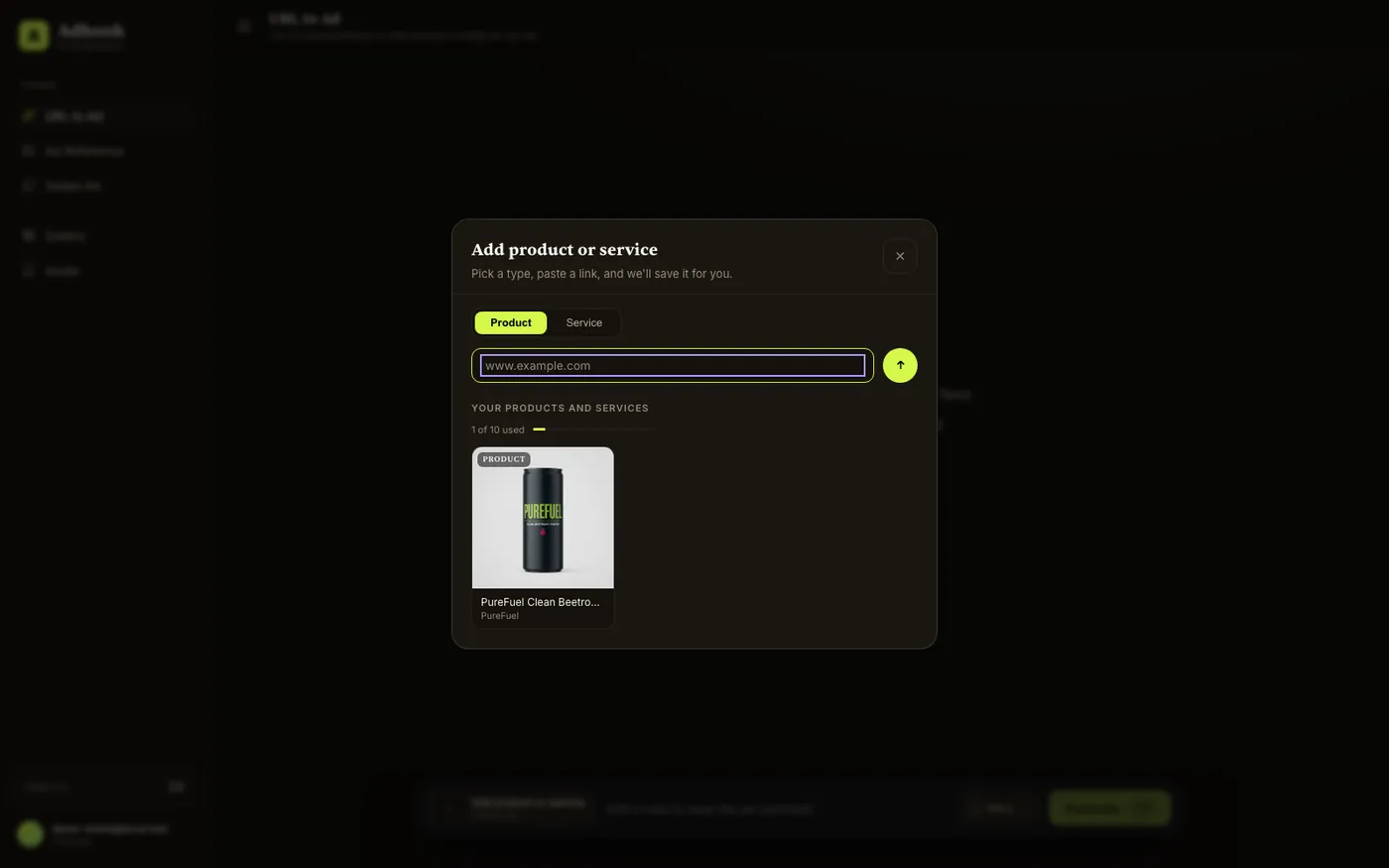
Paste your product URL
Open Ad from a link, add your product once, and it stays saved for every future ad. TheAdHook reads the page itself - name, description, claims, price, imagery and brand colors - so there is no brand kit to build and nothing to upload.
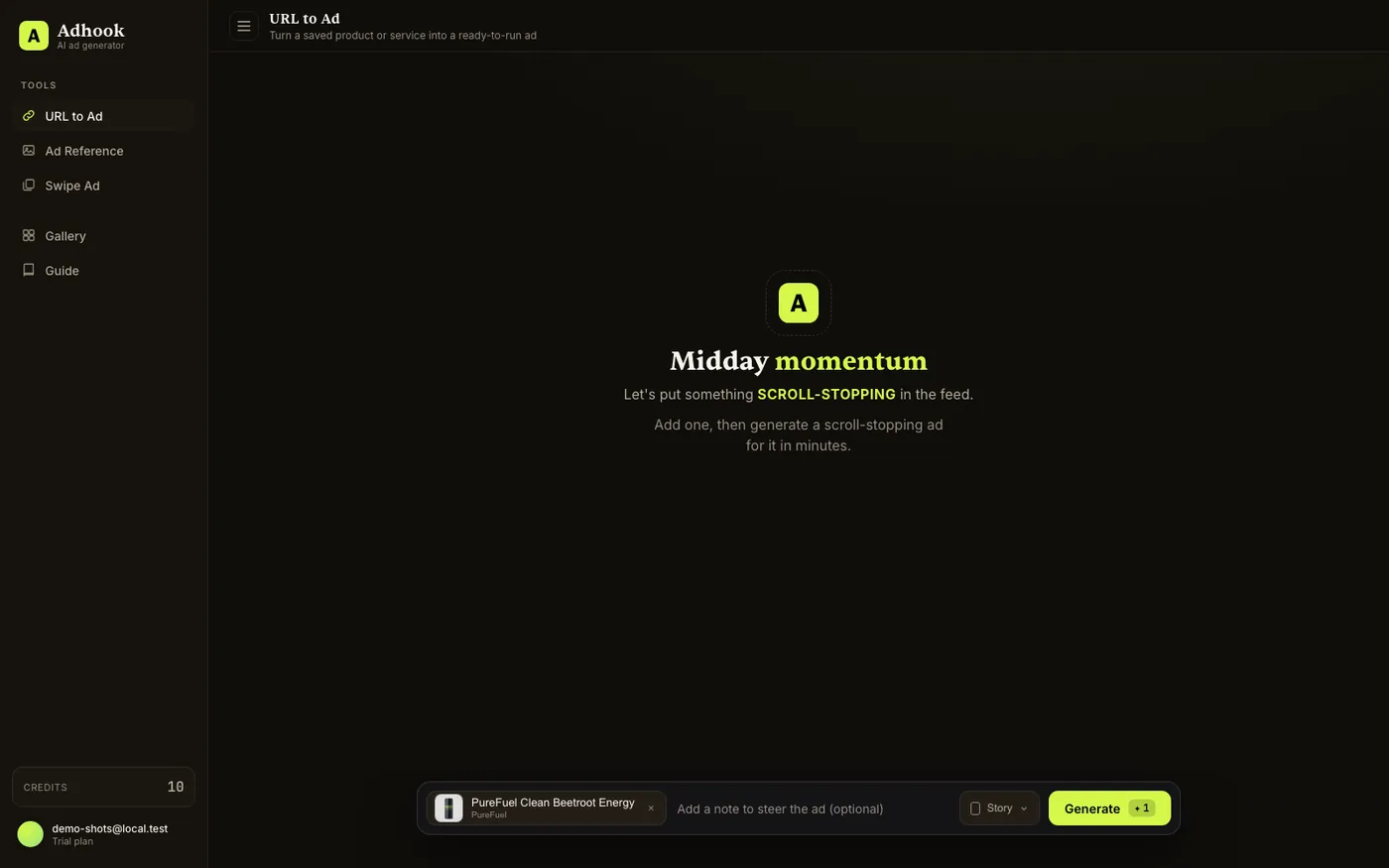
Pick the product, the format, and steer if you want
Select the product, choose Story (9:16), Feed (4:5) or both in one run, and optionally type a one-line note to steer the concept - "make it a bold before/after", "night scene", anything. Leaving it empty lets TheAdHook pick the angle from your product page.
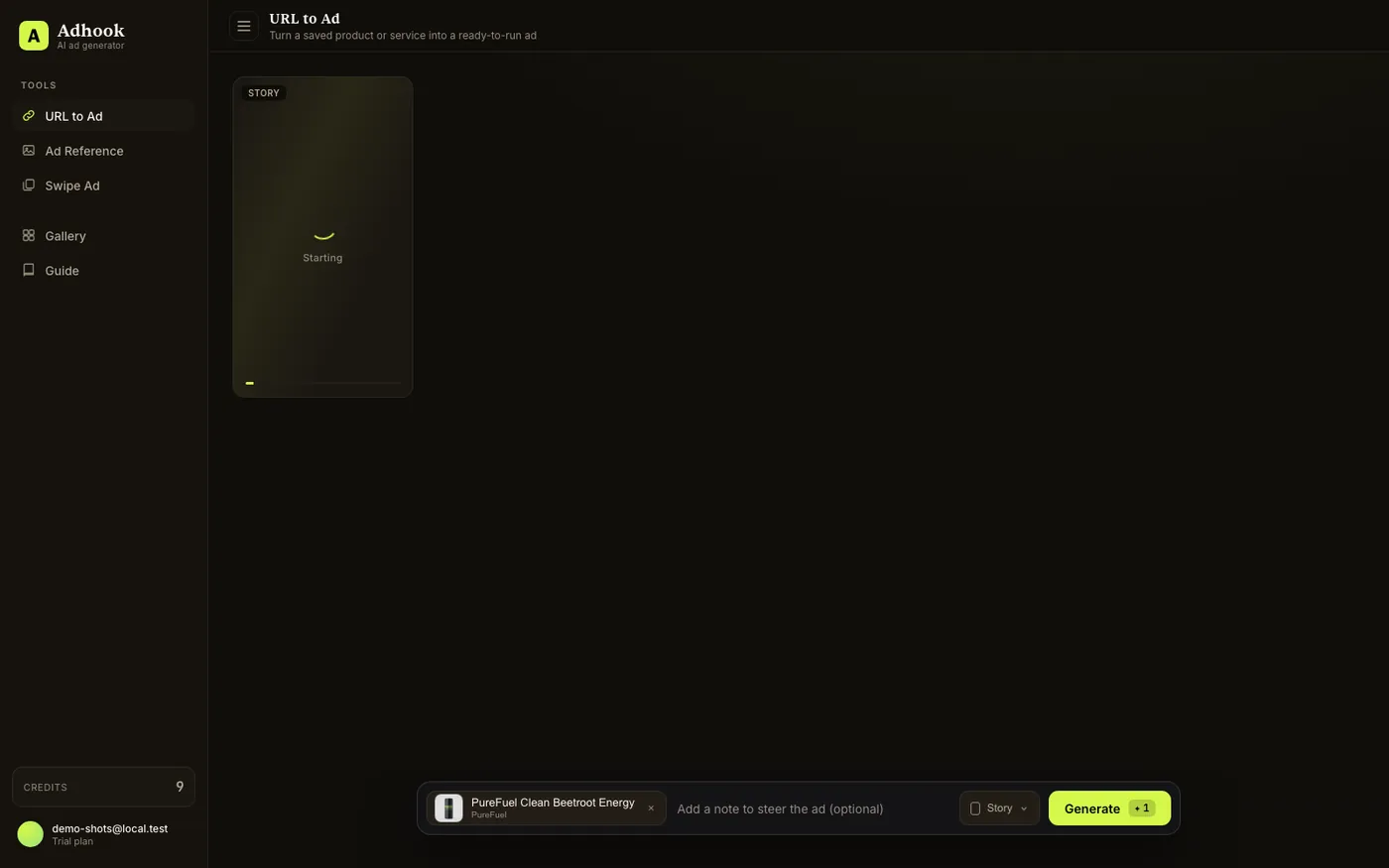
Generate - and let the pipeline work
One click, one credit per creative (Feed and Story together use two), and the run is off: TheAdHook designs the ad around your actual product, renders it at 2K, and puts it through the AI quality gate before you ever see it - what lands in your gallery is the strongest creative of the run, not a draft.
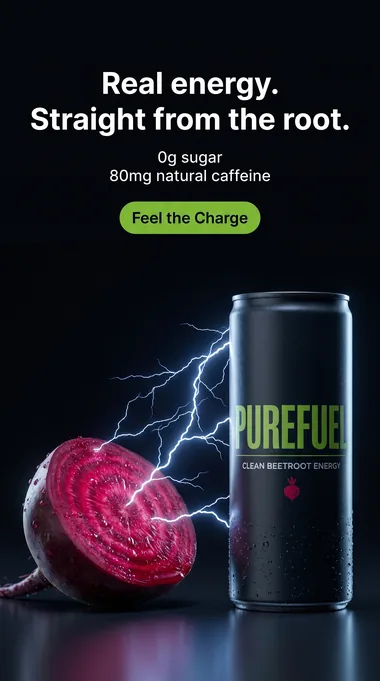
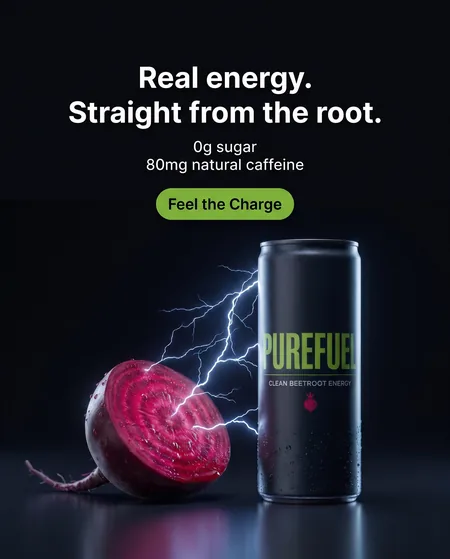
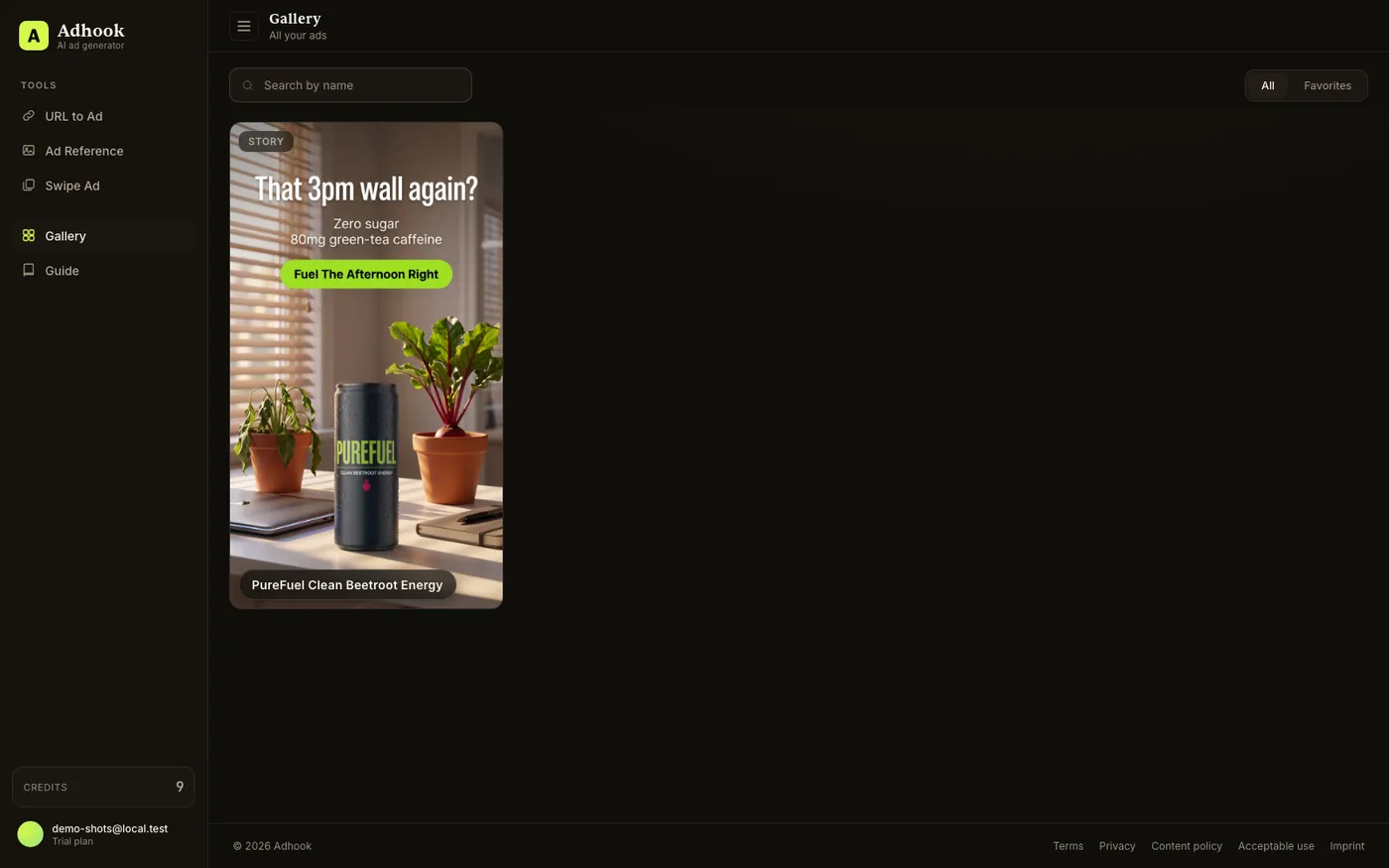
The finished ad lands in your gallery
Minutes later the creative is done. What you see is what passed the gate: the exact PureFuel demo run captured for this guide, unedited.
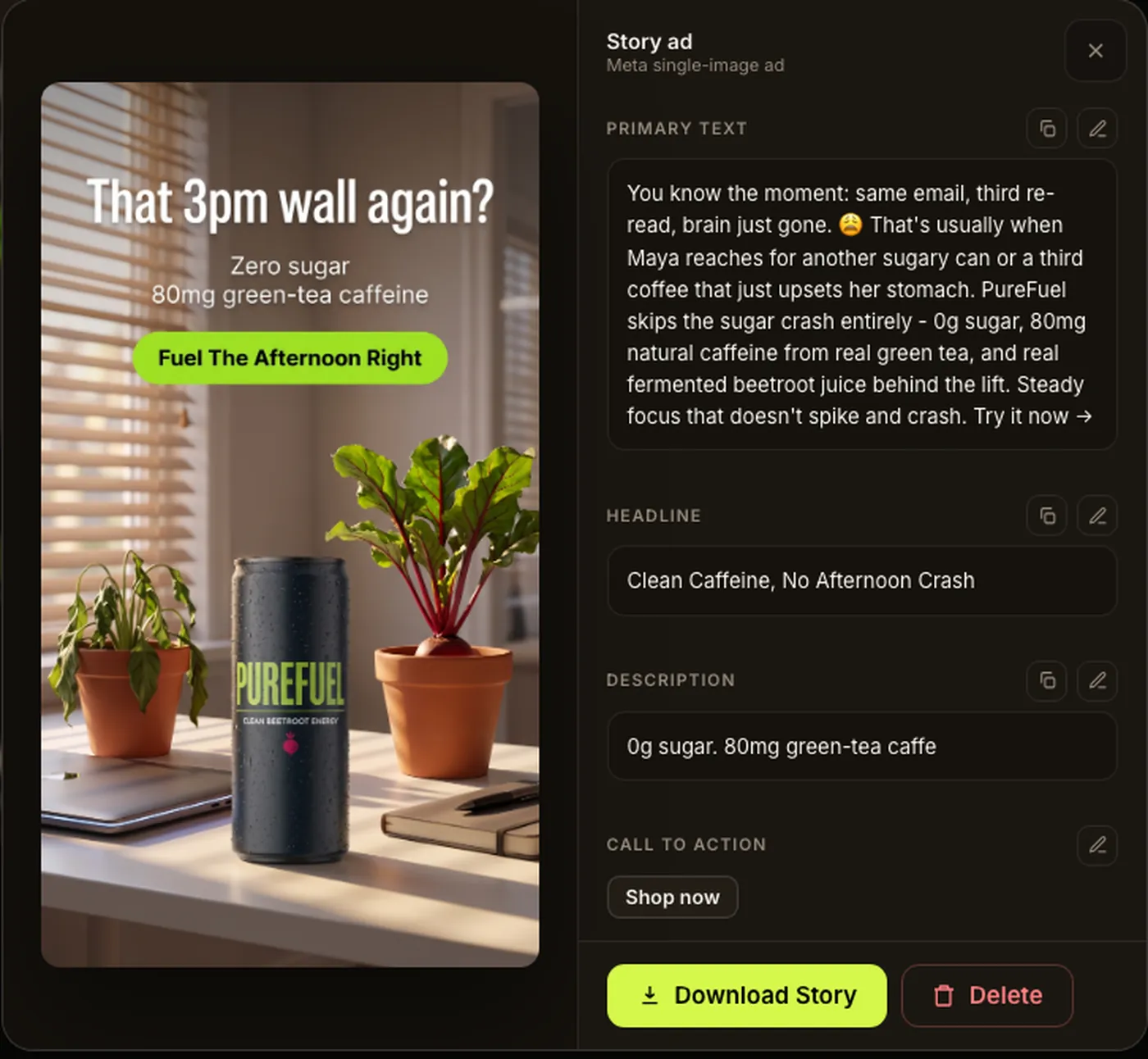
Copy the Meta fields and launch
Every creative ships with its Meta copy written for it: primary text, headline, description and call to action, each within Meta's character limits (see our spec cheat sheet or count your own with the Facebook ad character counter) and each one-click copyable. If copy ever can't be written for an ad, you still get the image. Download the image, paste the fields into Ads Manager, launch. To plan media and creative spend together, use the Facebook ads cost calculator.
Your product page is already the brief
Everything TheAdHook needs is on the page you already maintain - paste the link and see what it makes of yours.