How to use Facebook Ad Library to make better ads, not copies.
The Meta Ad Library shows every ad a brand is running right now. Used well, it hands you tested layouts, hooks and offers to build on. This guide shows how to search it, what it can and cannot tell you, and how to turn a layout you like into an original ad for your own product.
Checked
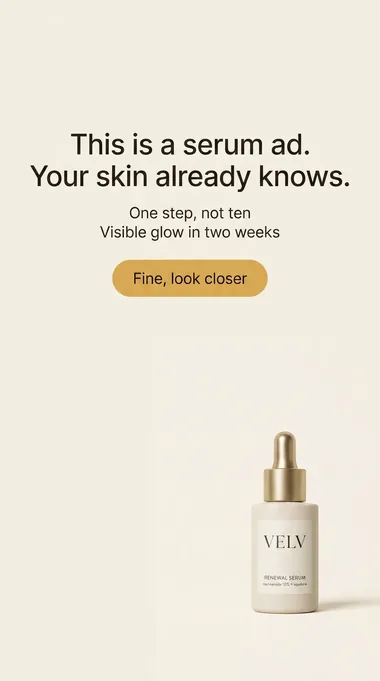
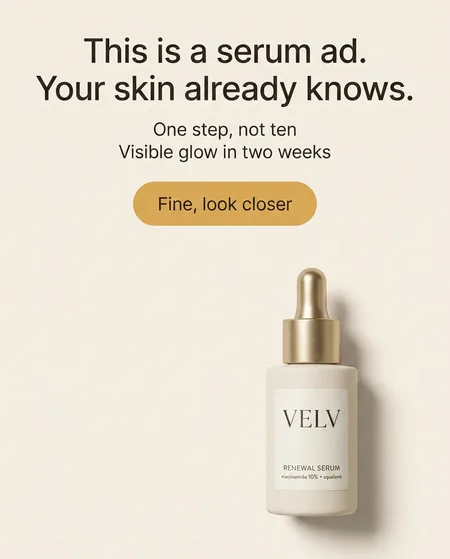
What the Meta Ad Library can tell you
Facebook Ad Library and Meta Ad Library are the same free tool. Open it at (opens in a new tab) facebook.com/ads/library.
What you see
Each ad's image or video and its text, the Facebook Page behind it, when it started running, which Meta platforms it runs on, and its Library ID. Ads that run in several versions are grouped together.
What you do not see
Spend, clicks, sales, ROAS or profit for ordinary commercial ads. A competitor's numbers stay in their Ads Manager, so every conclusion about "what works" is your hypothesis to test.
Search the library for a competitor's ads
Choose the country
Pick the market you sell in, such as United States. Results show ads that reached people in that country.
Choose "All ads"
The other category covers ads about social issues, elections and politics, a separate archive with its own rules.
Search by advertiser, then by keyword
Type the brand and pick its Page from the suggestions to see every ad it runs. Then search product and problem words ("protein bar", "dry skin") to find brands you did not know about.
Filter and open the details
Narrow by platform, media type (images for static ads), language or date. Open an ad's details to see its versions and record the Library ID.
Find ideas worth testing, not "proven winners"
A long-running ad is a clue, not proof: brands also leave ads on that barely break even. Read each one for its parts.
Write down the parts
The hook in the first line, the offer, the proof (a review, a number, a before and after), the layout and the call to action.
Look for repetition
When a brand runs the same layout with new photos or headlines again and again, that structure is worth a test of your own.
Turn it into a hypothesis
"A split before/after layout will beat our plain product shot for cold audiences." Something your own results can confirm or reject.
Turn a reference layout into an original static ad
Keep the structure, replace everything else: your product, your photos, your claims, your offer. Here is a real run with two demo brands.
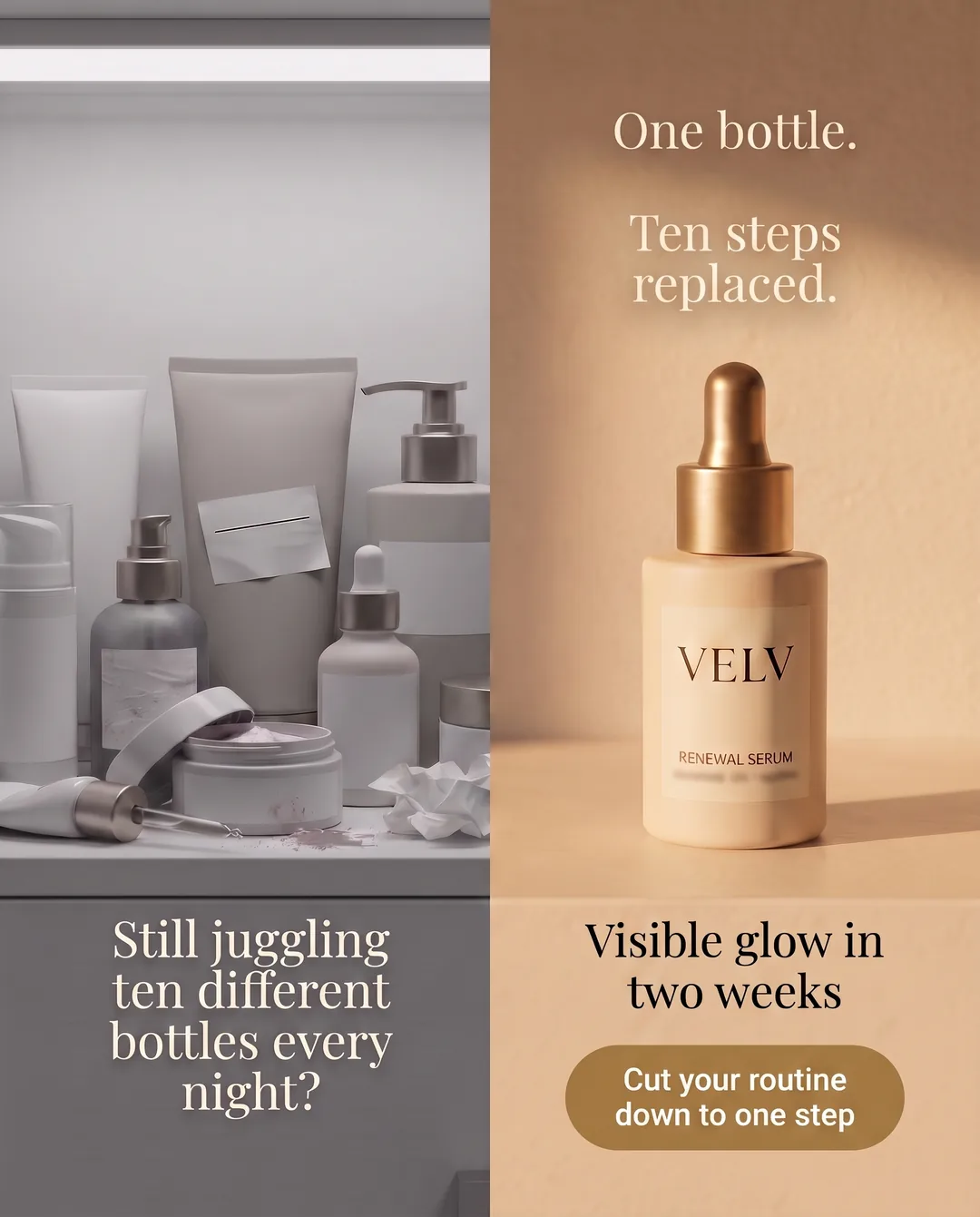
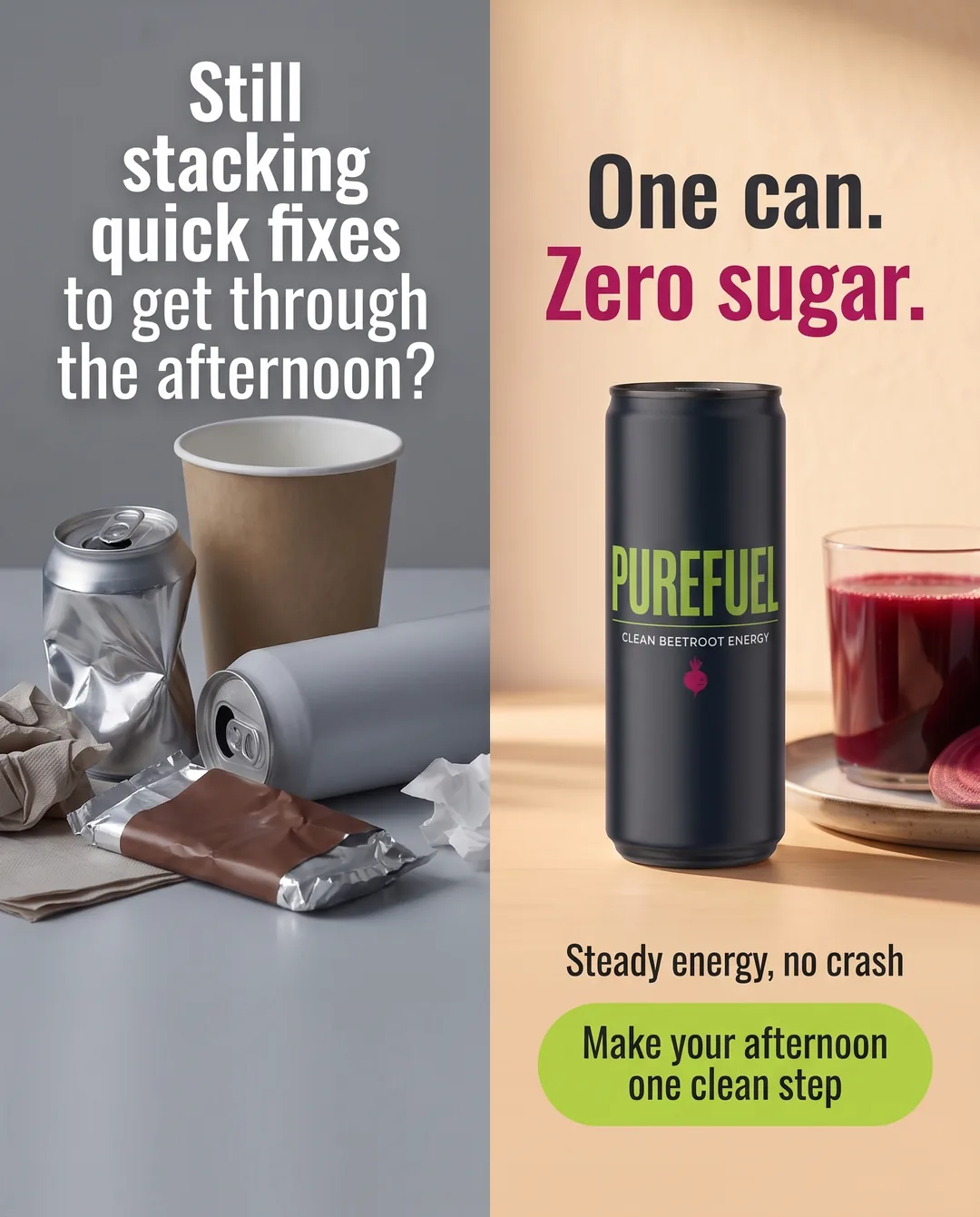
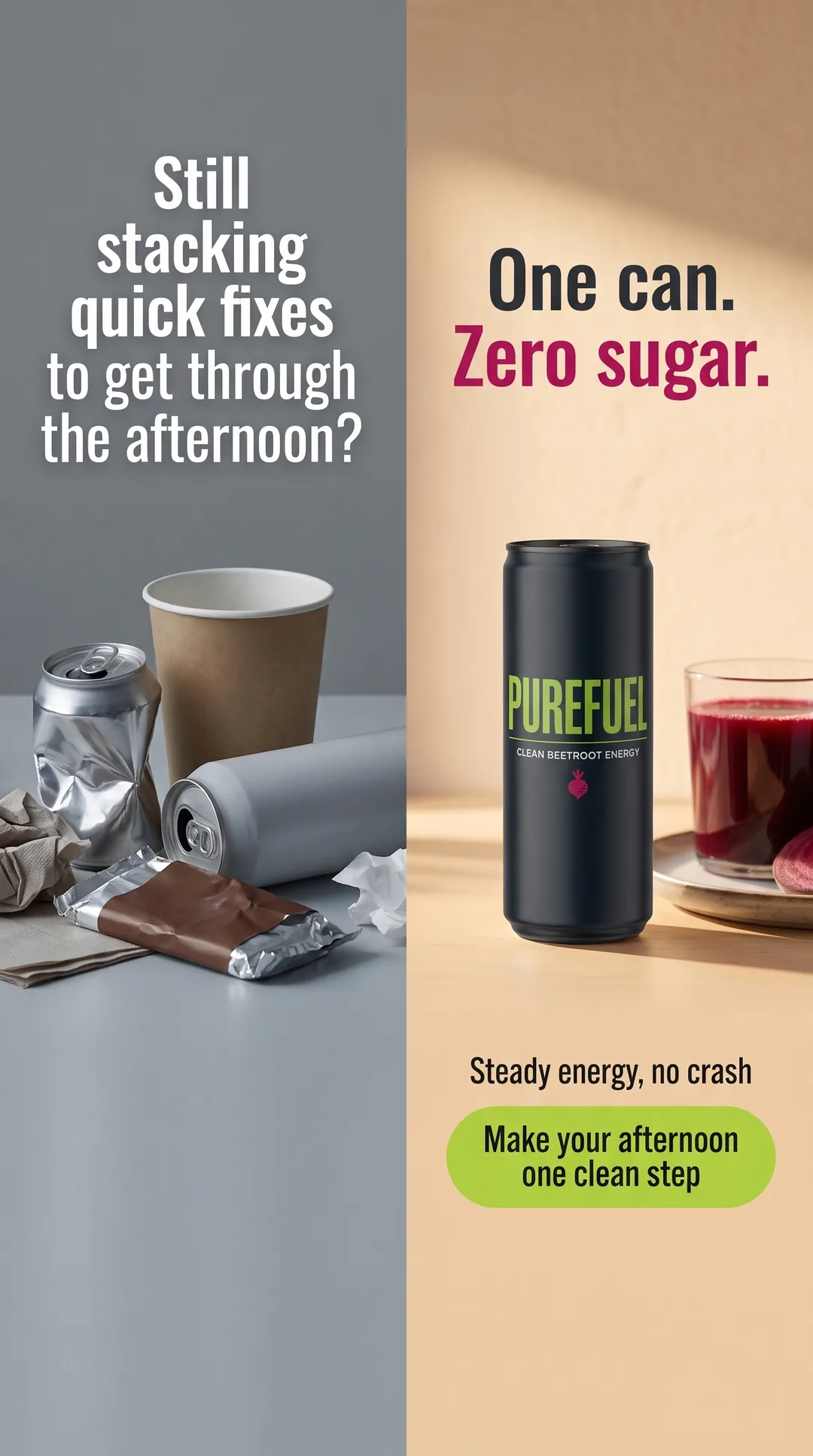
Save the reference
Take a screenshot of the ad you want to learn from. It is only a structure guide; none of its images or text end up in your ad.
Copy a winning layout
In TheAdHook, upload the screenshot and pick your product. It rebuilds the layout around your product, your page facts and your brand colors.
Review and launch
Check the Feed and Story versions and the primary text, headline and description, then upload them to Ads Manager and test against your current ad.
5 free ads on signup - no card.
Three ways to make the next ad
Copy a winning layout
You found a structure in the library and want it for your product.
Remix an ad
You already run an ad that works and want a fresh version before it tires.
Before you launch, check copy length with the character counter, preview placements with the mockup generator, and plan media and creative spend with the Facebook ads cost calculator. More finished ads on the examples page.
US and EU: what the library shows
| Ads delivered to | What you can see |
|---|---|
| United States and most countries | Ads running now. Once an ordinary commercial ad stops, it leaves the library. |
| EU | Ads of any type delivered there during the past year, with estimated reach and targeting details. |
| Social issues, elections, politics | A separate archive kept for seven years, with spend and impression ranges. |
Researching a US brand that also sells in Europe? Set the country to an EU market to see ads that have stopped running.
Why a competitor's ads are not showing
Wrong Page
Ads run under a Facebook Page, which may not match the brand name or Instagram handle. Try the Page name shown on one of their ads.
Wrong country or filter
Reset the country to "All" and clear the platform, media and date filters, then narrow again.
No ads running now
Outside the EU, stopped ads disappear. An empty result means nothing is running there today, not that they never advertised.
Facebook Ad Library, answered
Is Meta Ad Library the same as Facebook Ad Library?
Yes. Meta renamed it, and both names point to the same free tool at facebook.com/ads/library, covering ads on Facebook, Instagram, Messenger and Meta's other platforms.
Why are no ads showing for a competitor I know advertises?
Check that you picked their Facebook Page (it may differ from the brand name or Instagram handle), set the country to All and clear the filters. Outside the EU the library shows only ads running now, so an empty result can simply mean nothing is live today.
Can I see a competitor's spend, sales or ROAS?
No. For ordinary commercial ads the library shows the creative, the Page, start dates and platforms. Spend ranges appear only for ads about social issues, elections or politics.
Does a long-running ad mean it is profitable?
Not on its own. Brands keep ads running for many reasons. Treat long runs and many versions of one layout as a reason to test that idea yourself, then judge it by your own cost per purchase.
Can I see inactive ads in the US?
Ordinary commercial ads leave the library when they stop running outside the EU. Ads delivered to the EU stay visible for a year, so setting the country to an EU market can show a brand's older ads there.
How do I use a layout without copying another brand?
Keep only the structure: where the product sits, how the headline and proof are arranged. Use your own product photos, words, claims and offer, and never another brand's logo, images or testimonials.
How do I turn a reference ad into Feed and Story creatives?
Screenshot the reference, then use Copy a winning layout in TheAdHook: upload it, pick your product, and get a 4:5 Feed and a 9:16 Story ad rebuilt around your product, with Meta copy for both.
Sources: (opens in a new tab) Meta Ad Library overview and (opens in a new tab) Meta's EU transparency update. The example ads are TheAdHook demo brands, generated for this guide.